目次
iphoneの辞書の設定は正しいですか?
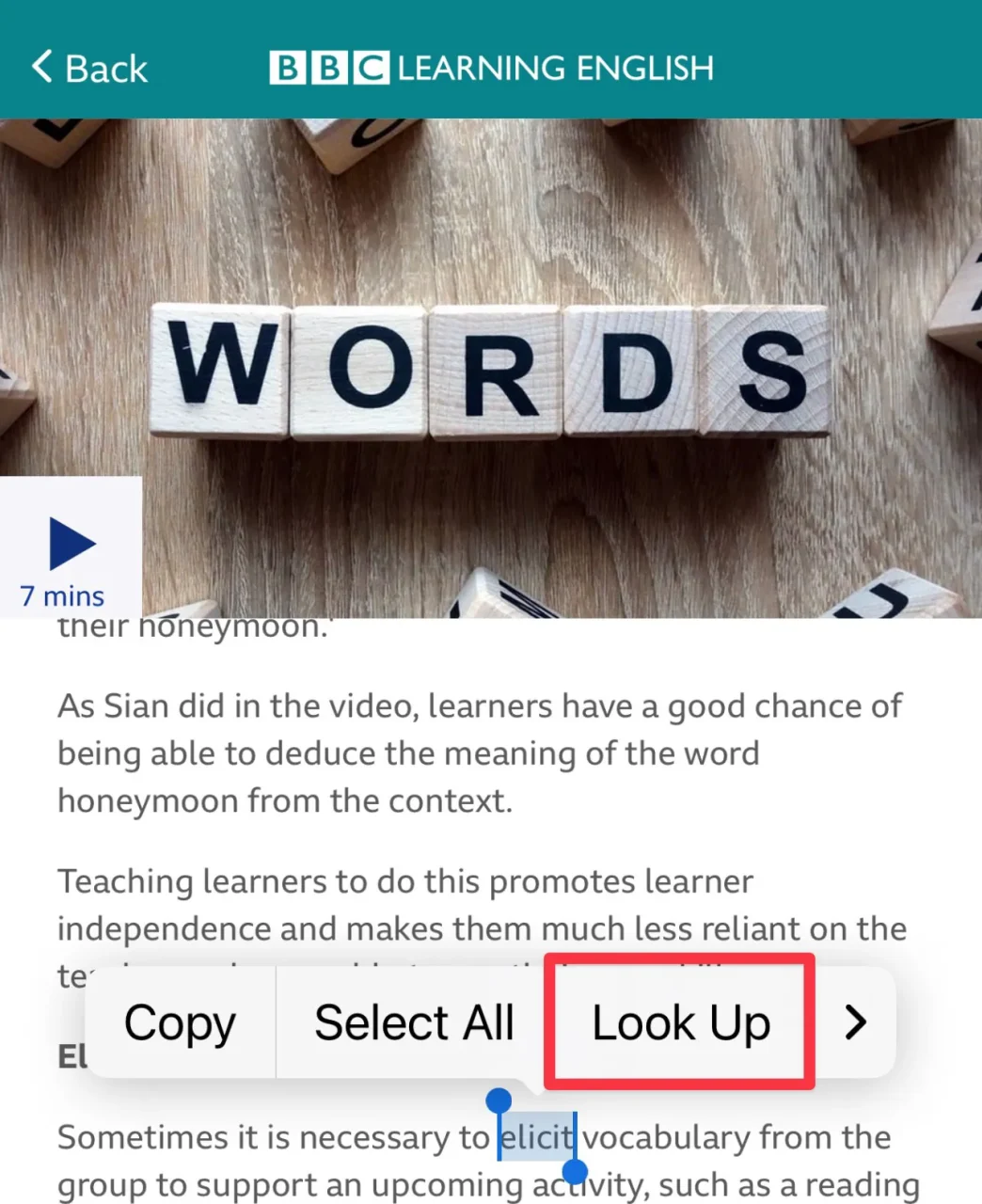
iphone上で、単語を長めにタップすると、copy等の選択肢が出てきますが、このうちlookupを選択すると内蔵辞書を検索して単語の意味を確認することができます。
Lookupを選択すると、「設定された辞書」から単語の意味が検索される
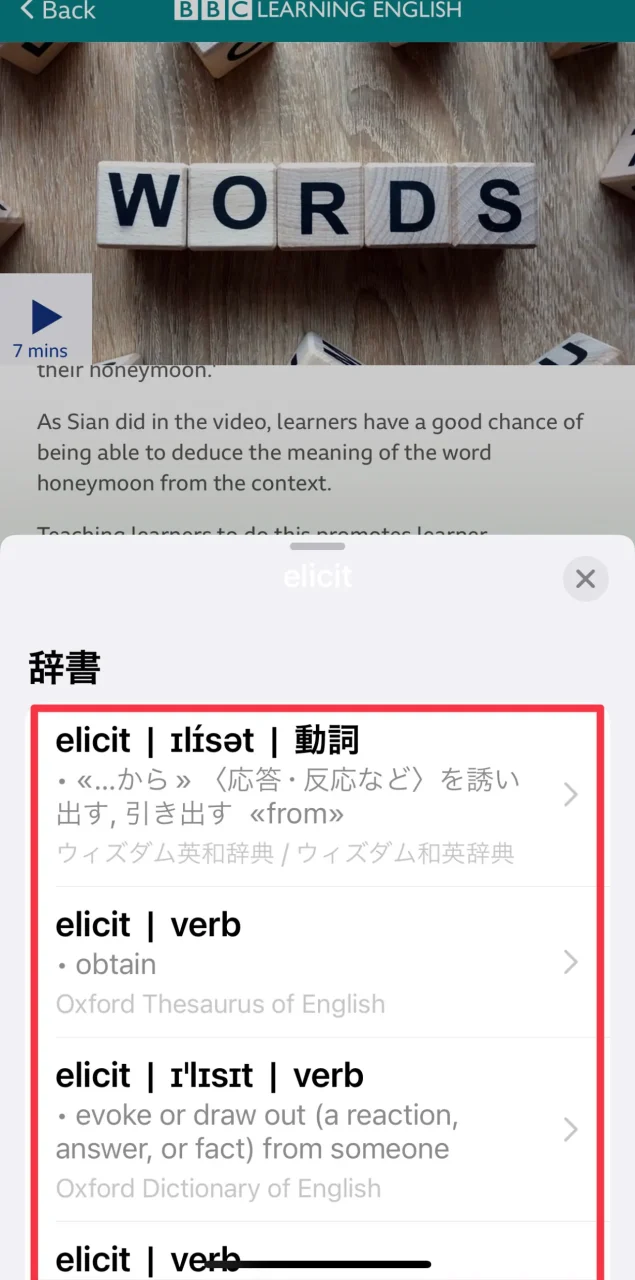
iphoneで辞書検索結果が出てこないときは
検索対象の辞書が設定されていないかもしれません。
設定→一般→辞書をに進み、検索したい辞書にチェックを入れましょう



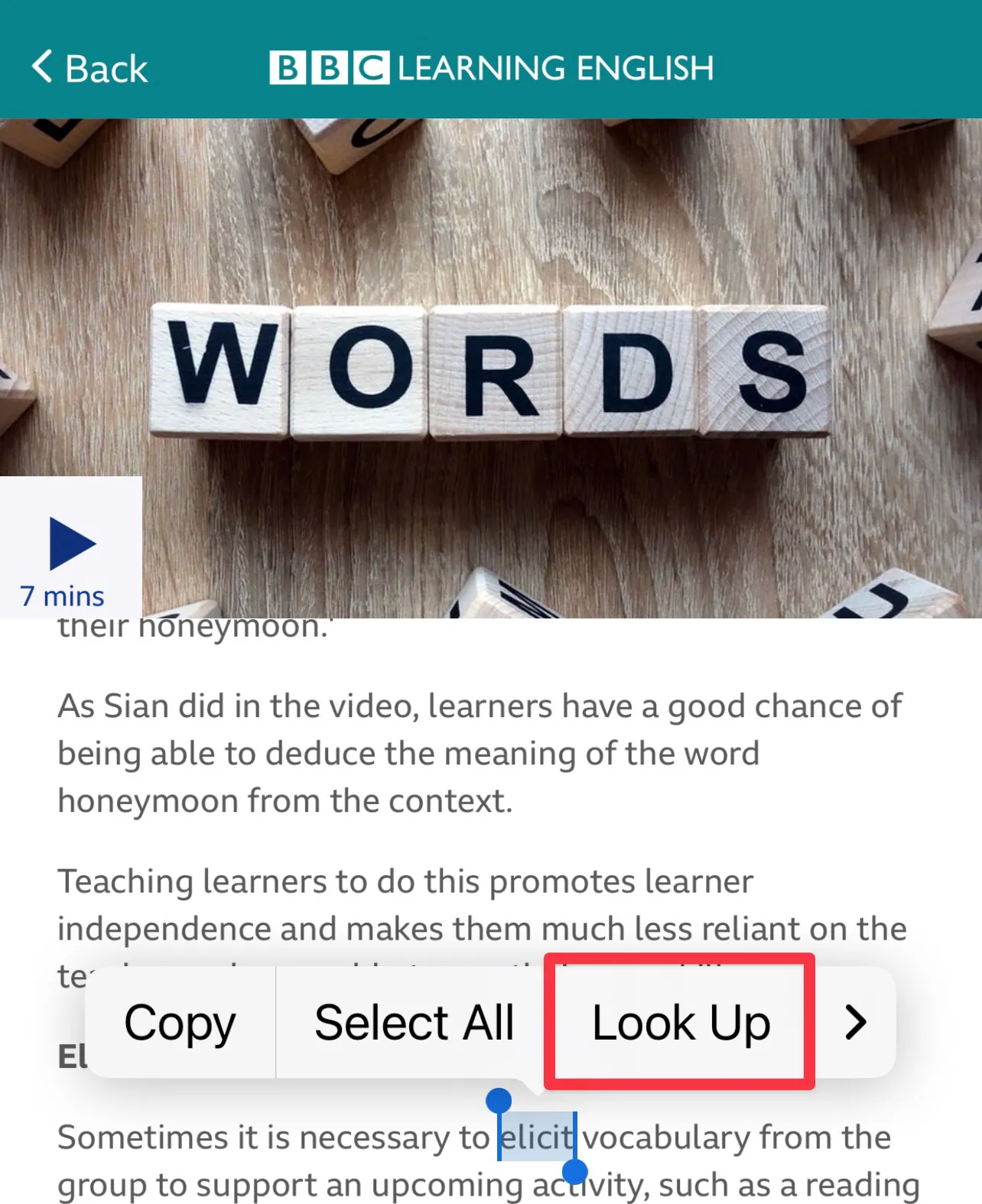
iphone上で、単語を長めにタップすると、copy等の選択肢が出てきますが、このうちlookupを選択すると内蔵辞書を検索して単語の意味を確認することができます。
Lookupを選択すると、「設定された辞書」から単語の意味が検索される
検索対象の辞書が設定されていないかもしれません。
設定→一般→辞書をに進み、検索したい辞書にチェックを入れましょう